07 / LEARNING
流程规范Production workflows
阅读制作流程与方法说明,理解任务、工具和交付要求,再结合模板开始实践。Read production workflows and method guides. Understand the task, tools and delivery requirements, then put the templates into practice.
借助AI,每个人都能创造出令人叹为观止的画面。然而,真正稀缺的能力,是让这些画面生长出一个完整的世界——构筑自我IP的骨架,注入活动的灵魂,讲一个历经数百帧仍屹立不倒的故事。
MOKE AIGC / CREATIVE LIBRARY
找提示词、学创作方法、看视觉参考、跟进 AI 动态。MOKE 把创作资料和使用路径放在一起,帮你找到下一步。Find prompts, learn creative methods, explore visual references and follow AI developments. MOKE brings the materials and the next steps together.
第一次来?从这里开始New here? Start here ↓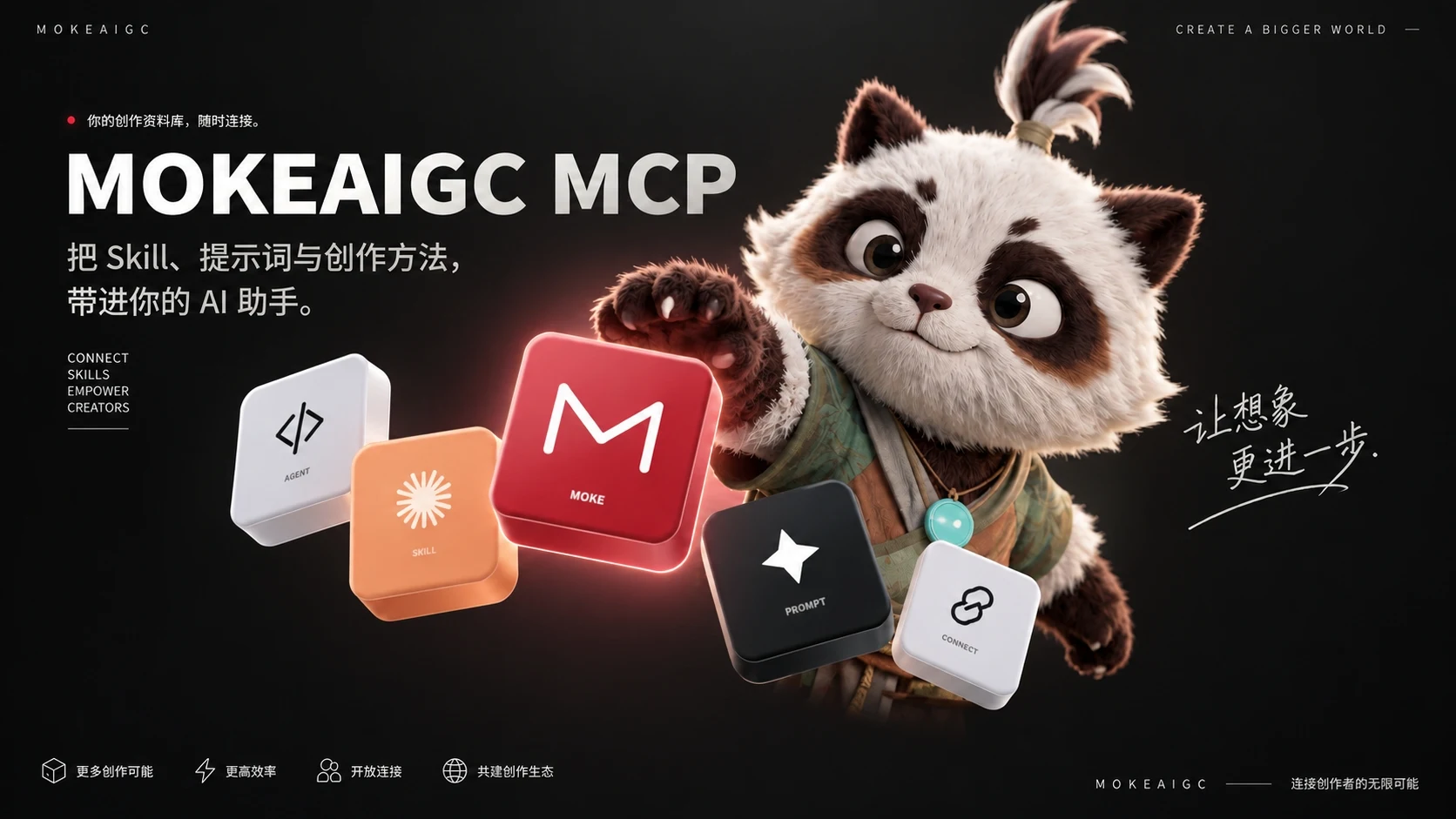
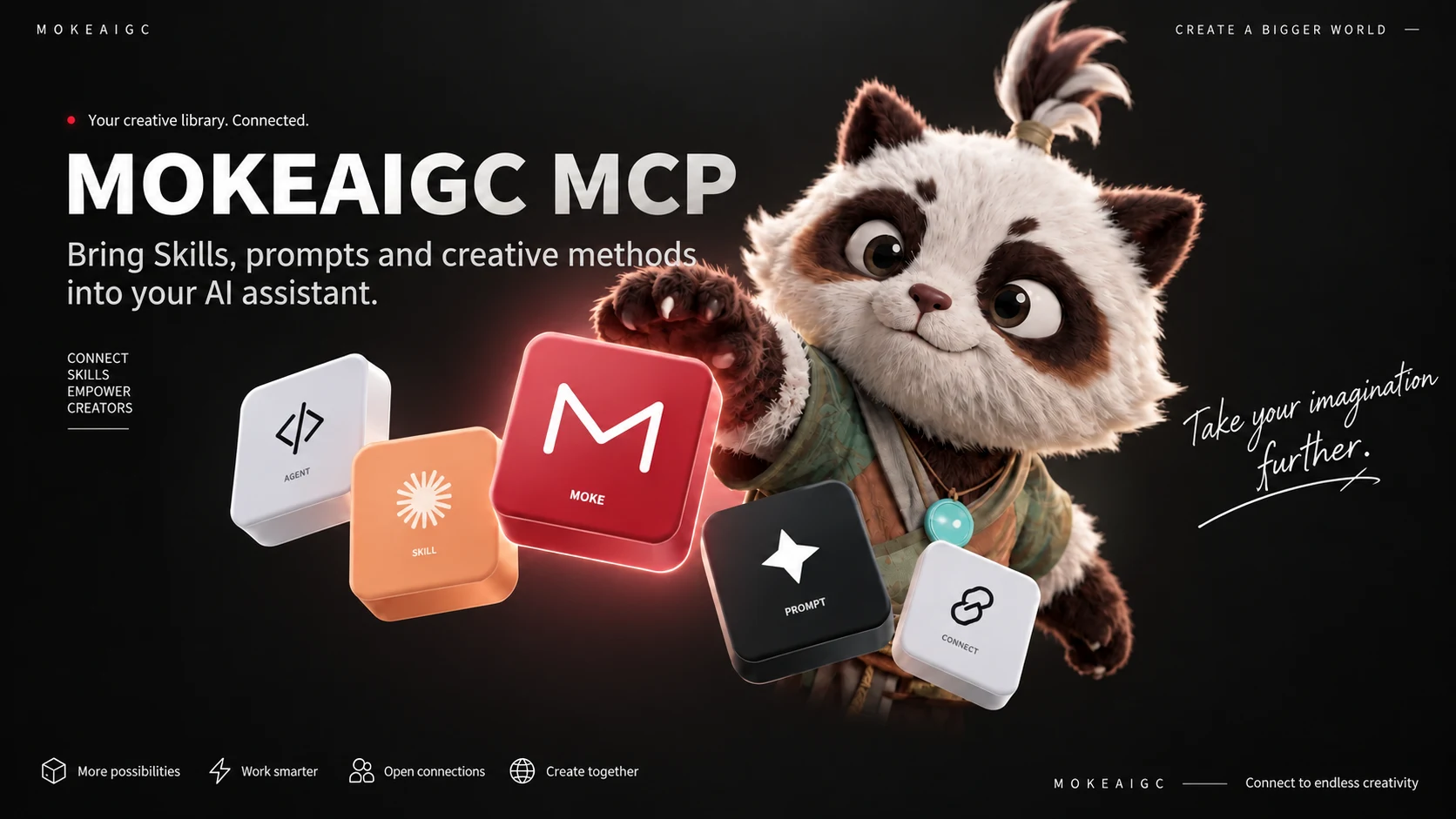
通过 MCP 让助手检索与读取 Skill、提示词,填写主体变量。用自己的 MOKE 账号授权后,跟随接入指南验证连接。Let your assistant find and read Skills and prompts, and fill subject variables through MCP. Authorize with your MOKE account and follow the guide to verify access.
查看接入指南Open the connection guide ↗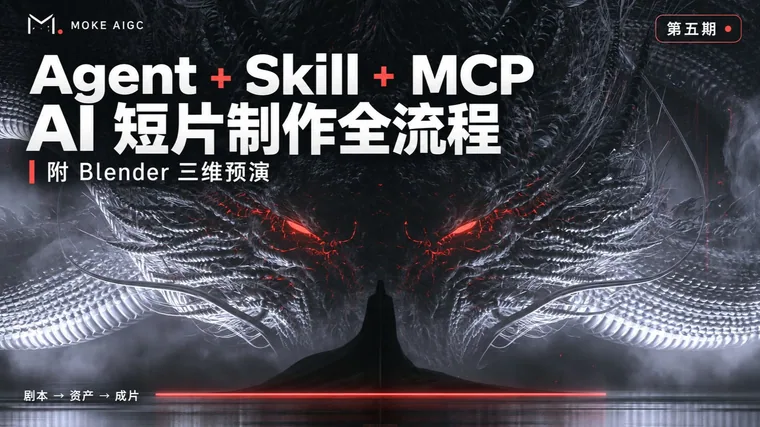
通过视频课程学习 AI 创作工具与制作方法,跟随演示开始实践。Learn AI creative tools and production methods through video courses, then follow the demonstrations to start practicing.
看视频教程Watch courses ↗
图像、视频、编剧、动画、音乐、游戏等创作分区。按任务筛选,填入主体,复制模板或组合。Explore image, video, writing, animation, music, game and other creative sections. Filter by task, add your subject and copy a template or composition.
找适合你的模板Find your template ↗
发现适合任务的 Skill,了解输入要求、流程与参考资料,再决定下载与安装。Discover Skills for your task. Review their inputs, workflow and reference materials before choosing to download and install.
探索 SkillExplore Skills ↗
按电影、导演、年代与色彩浏览剧照,观察构图、光影与镜头关系,为自己的创作建立参考。Browse stills by film, director, era and color. Study framing, lighting and shot relationships to build your own creative references.
进入剧照库Explore film stills ↗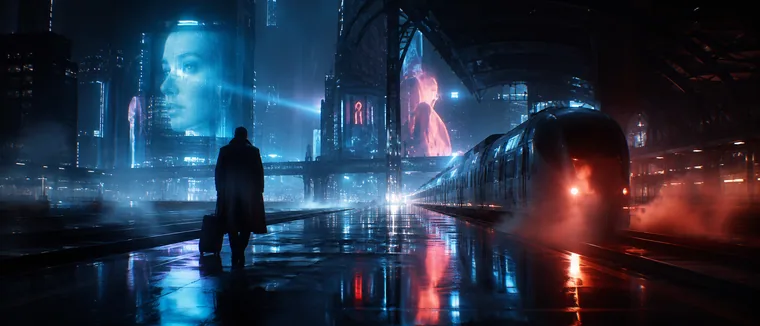
阅读整理后的 AI 模型、产品与行业动态,查看摘要和原文来源,判断哪些变化值得跟进。Read curated updates on AI models, products and industry developments. Use summaries and original sources to decide what deserves your attention.
查看今日资讯Read today's updates ↗阅读制作流程与方法说明,理解任务、工具和交付要求,再结合模板开始实践。Read production workflows and method guides. Understand the task, tools and delivery requirements, then put the templates into practice.
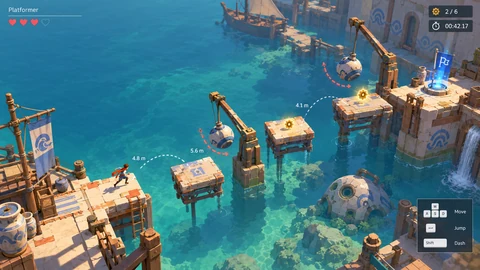
探索 140 份设计资料、37 种美术风格与 77 项开发技能,从玩法、视觉参考到制作流程,开始构建你的游戏世界。Explore 140 design resources, 37 art styles and 77 development skills. Build your game world with mechanics, visual references and production workflows.
进入游戏板块Explore game resources ↗START CREATING
进入对应提示词分区 → 搜索主题或技法 → 填入主体并复制 → 在你使用的创作工具中继续制作。Open the right prompt section → search a subject or technique → add your subject and copy → continue in your chosen creative tool.
图像模板Image templates ↗视频模板Video templates ↗跟完整示例练一次Try the complete example ↓选择编剧任务或 Skill → 阅读需要提供的资料 → 准备自己的需求与参考 → 交给助手展开并检查结果。Choose a writing task or Skill → read the input requirements → prepare your brief and references → develop and review the result with your assistant.
编剧模板Writing templates ↗发现 SkillDiscover Skills ↗跟完整示例练一次Try the complete example ↓打开 MCP 指南 → 选择客户端 → 登录并授权 → 让助手搜索并读取一条真实素材,确认连接成功。Open the MCP guide → choose a client → sign in and authorize → ask your assistant to find and read a real resource to confirm access.
连接 MCPConnect MCP ↗跟完整示例练一次Try the complete example ↓启用 JavaScript 后可编辑需求、选择模板并复制。也可以直接打开配套练习单。Enable JavaScript to edit a brief, choose a template and copy it. You can also open the worksheet directly.
双语练习单Bilingual practice worksheet提示词库等受保护内容需要登录;MCP 需要单独授权。准备好后,用你的 MOKE 账号继续。Protected resources such as the prompt library require sign-in. MCP requires separate authorization. Continue with your MOKE account when you're ready.
登录 / 查看账户Sign in / Your account ↗